
Contacts and Compliance
Create contact lists and add recipients
Use standardized contact fields and purpose-based audiences.
Create a list and add a contact
- Open Contacts and select New list. Enter a name and purpose.
- Select the list, then Add contact. Create a list first if the app asks for one.
- Enter First Name, Last Name, and Email for normal manual entry. Expand More fields for optional details.
- Choose country and language from suggestions. Typing filters suggestions; select the intended value rather than leaving an uncommitted search.
- Save and verify the contact appears in the list.
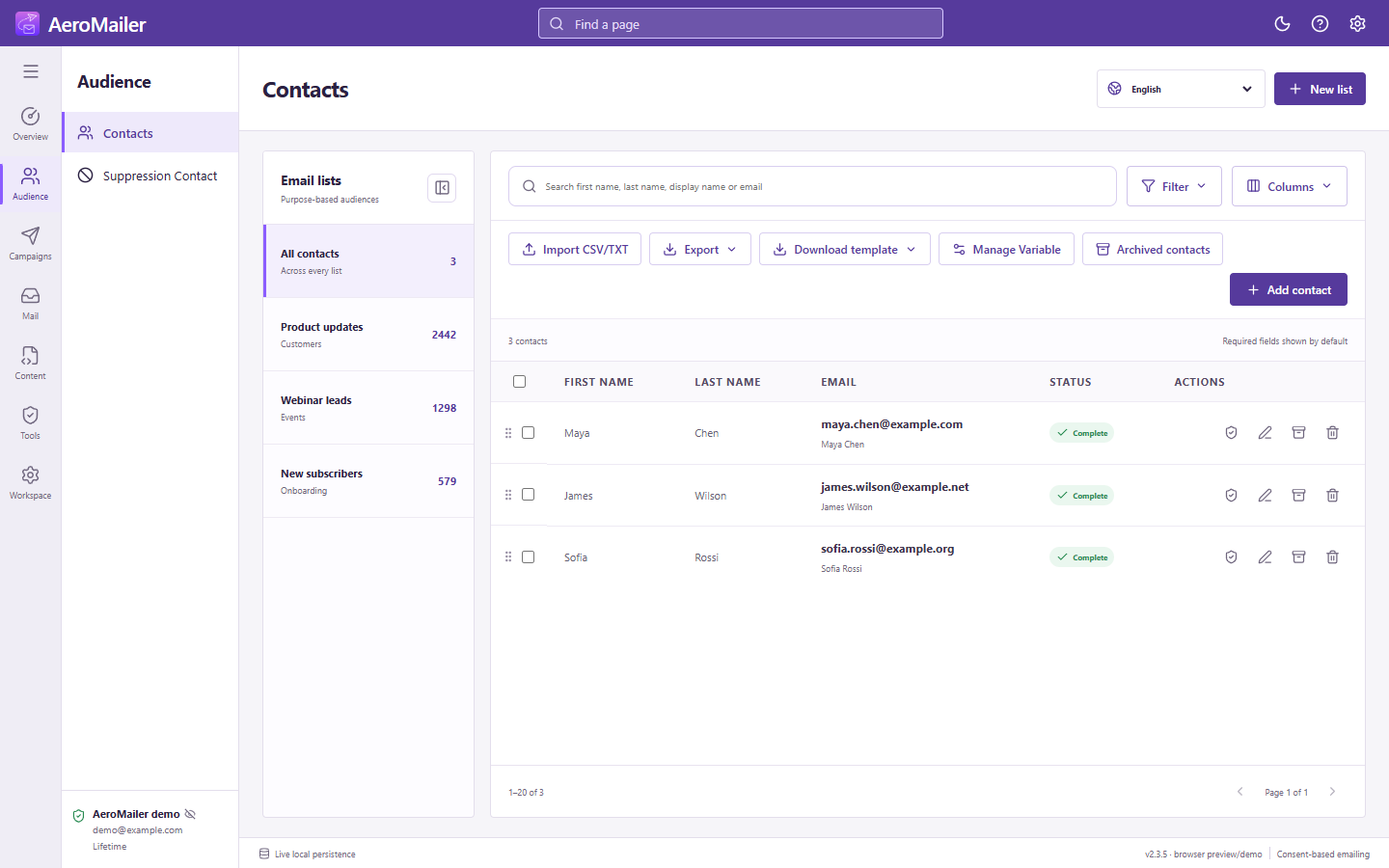
Understand All contacts
All contacts includes records across lists, including incomplete imported or synchronized contacts. A missing/invalid email is flagged and is not a usable campaign recipient. Fix its required data before sending.
Organize an audience
Use search, filters, and Columns. Collapse the list rail for more table space. See file import/export and moving and lifecycle actions.