
Contacts and Compliance
Move contacts, archive, restore, and delete
Organize selected contacts and understand recoverable versus permanent actions.
Move selected contacts to a list
- In Contacts, open All contacts and select the intended rows.
- Choose Move to email list and the destination list.
- Alternatively, drag a selected contact's handle onto a list in the expanded list rail.
- Check the destination after the success message.
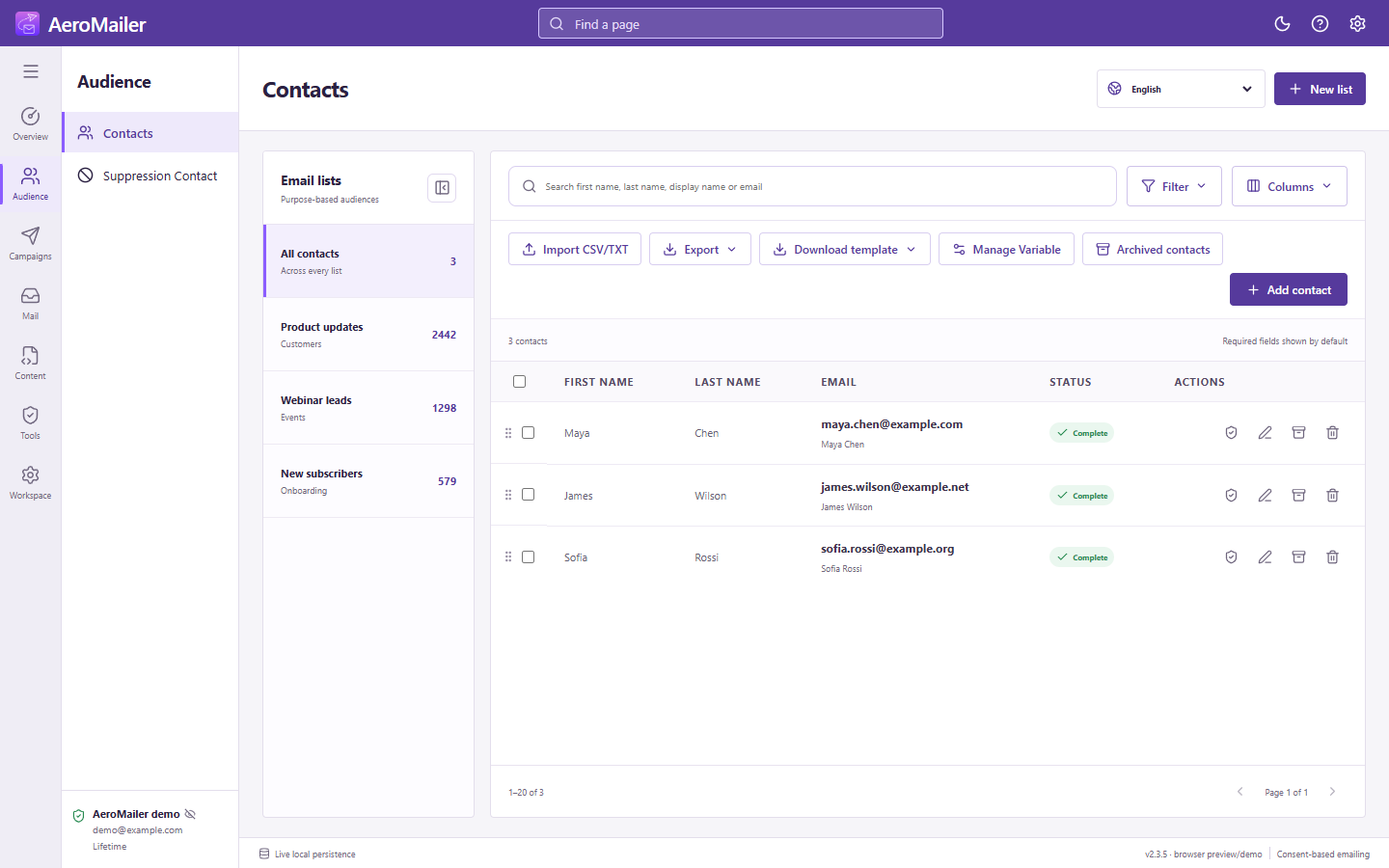
Archive or permanently delete
Archive is recoverable through Archived contacts and restore. Delete is a permanent action: confirm only after checking the selected rows. These are not interchangeable with suppression or subscription status.
When Contact Sync is enabled
Explicit archive and permanent deletion can propagate to connected apps. A smaller contact count does not mean other contacts should be deleted. Back up important data and check the selected scope before a bulk action.