
Getting Started
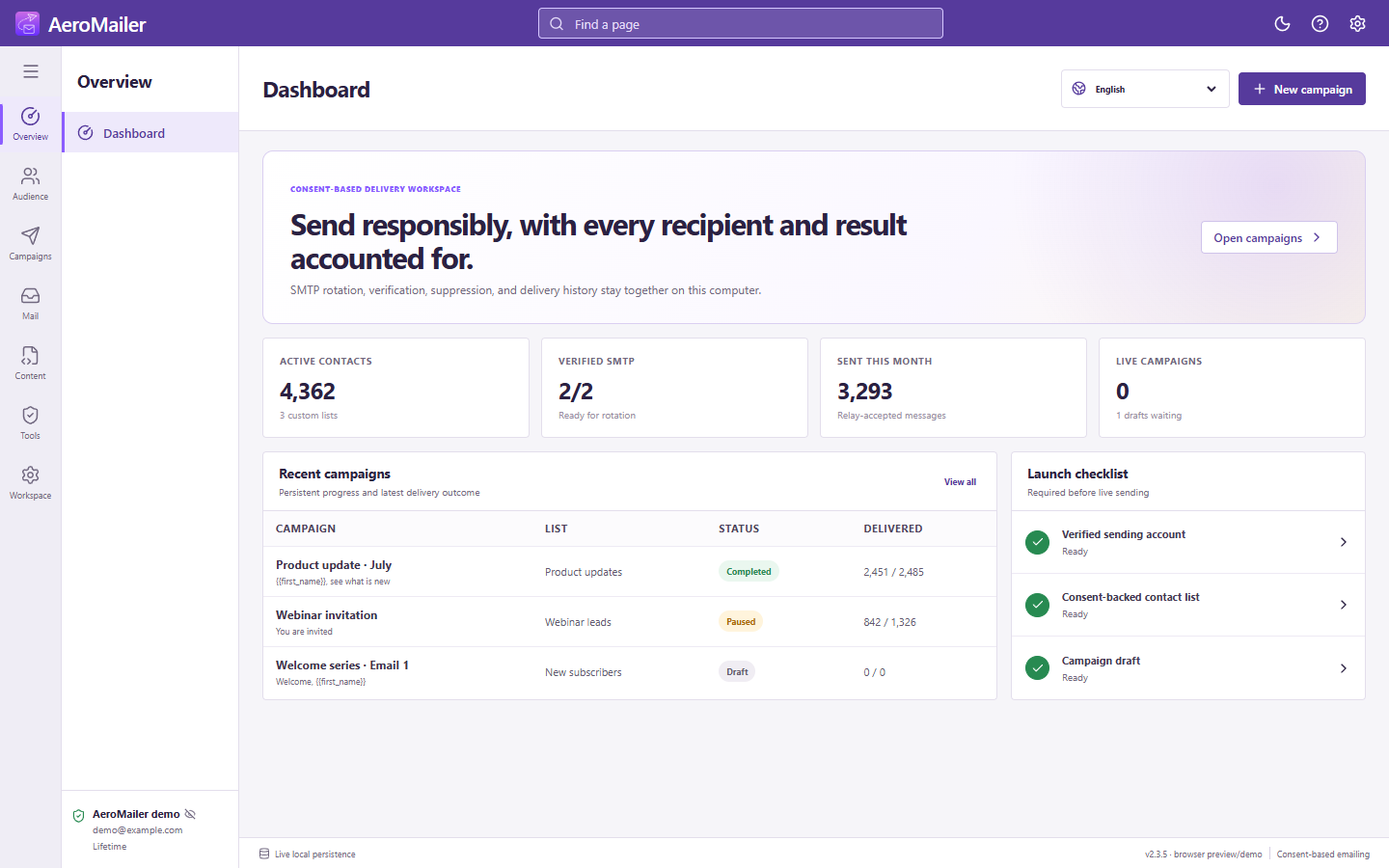
Start here: AeroMailer setup checklist
Set up sending, receiving, contacts, templates, and safe automation.
Prepare your workspace
- Download and install AeroMailer. Choose the interface language, read the agreement, and activate your license while connected to the internet.
- Open Accounts → Sending Account (SMTP) and verify a sending account.
- Create a contact list and add permission-based contacts, then choose a built-in template or write your message.
- Build a campaign, check consent and subscription filters, send a test, and review before starting.
Add receiving and automation when needed
Connect IMAP to read replies. Configure campaign unsubscribe or auto-reply assignments separately; connecting an inbox alone does not enable an agent.
Keep the app running
Campaign schedules, inbox checks, STOP processing, and auto replies need AeroMailer running with internet access. Background mode can keep it in the tray; fully quitting or sleeping the computer stops processing until it is available again.