
Templates and Content
Configure and use AI email assistance
Connect a provider for writing, designing, and editing messages.
Configure one provider
- Open Settings → AI provider.
- Select OpenAI, Claude, or Gemini, then a model from the dropdown.
- Enter the provider API key and save. Do not add quotation marks to an app password/key field.
Only one provider is active at a time. Provider requests require internet access and may incur provider charges separate from the AeroMailer license. The app stores the key through protected credential handling; a consumer chat subscription is not automatically an API key.
Create or revise content
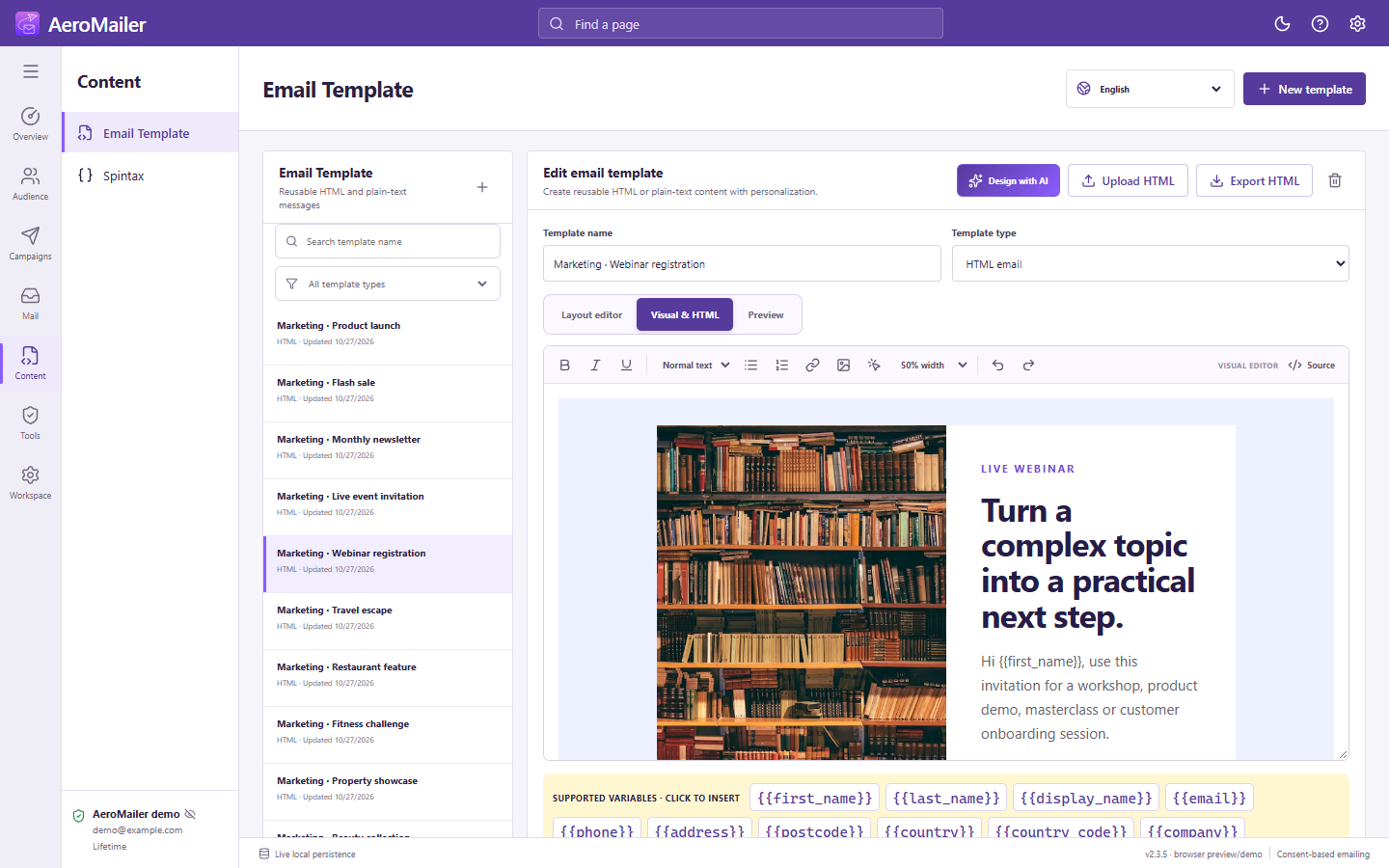
Use Write with AI for plain text or Design with AI for HTML. Explain the audience, product, tone, goal, and required call to action. Review generated wording, links, claims, placeholders, and formatting before saving or sending.
This manual content helper is separate from AI auto-reply agents. Enabling a provider does not by itself enable automatic replies.